Writing down random bugs to keep my mind limber.
Wednesday, March 20, 2024
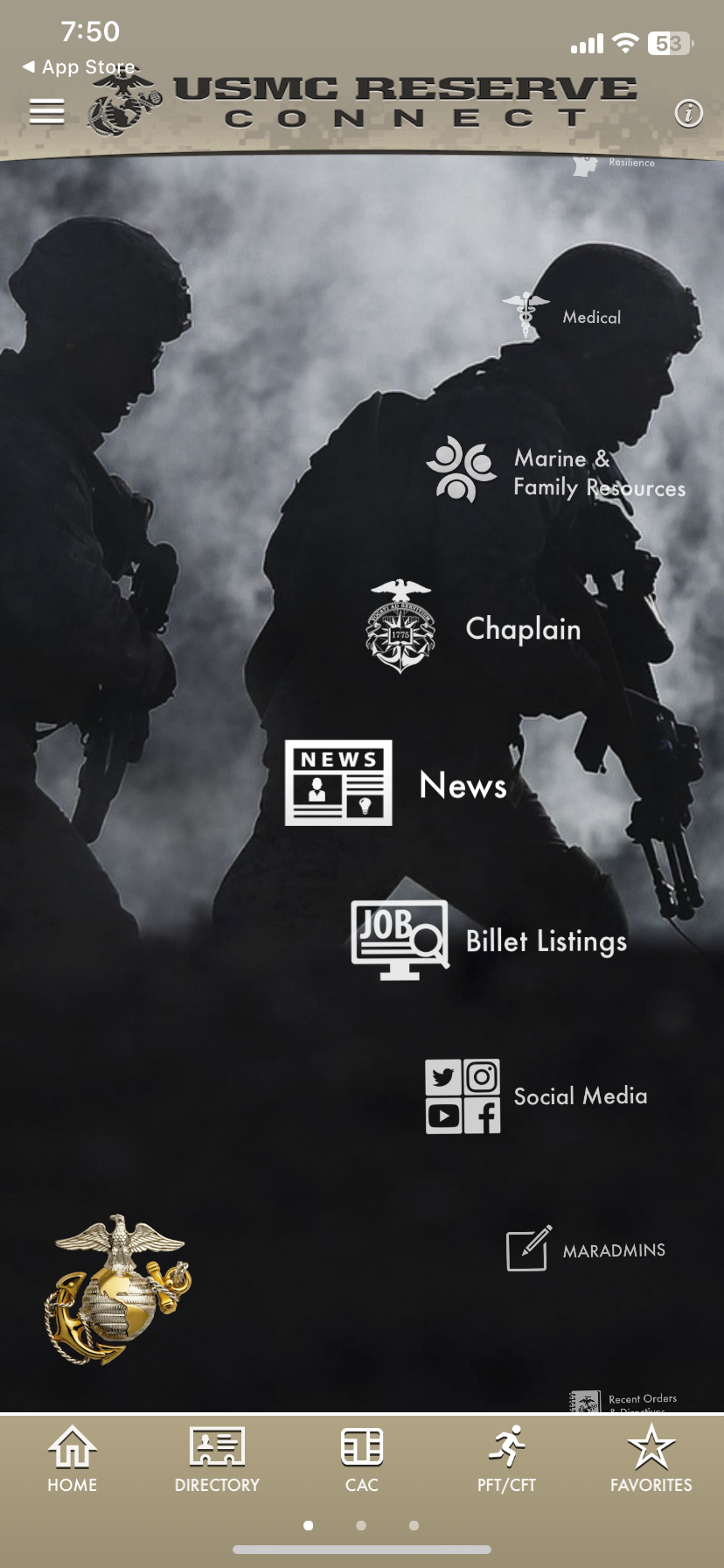
USMC Reserve Connect app for iOS: App Crashes After "Podcast RSS" Option Is Selected
Tuesday, March 12, 2024
Vinovest app for iOS: New Account - App Crashes After Selecting "Transactions" Under the Wine Section
iOS 17.4
Vinovest app for iOS (version 1.37.0)
Date: 03/12/2023
Description:
The Vinovest app for iOS continually crashes for me. This occurs after I select the "Transactions" option under the wine section.
This happens to me after I select the "Wine: Let our sommeliers & algorithm build your wine portfolio."area of the app.
This appears to be the crash dump:
Steps to Reproduce:
1. Launch the Vinovest app for iOS
2. Log-in with Apple ID account
3. Select the "Wine: Let our sommeliers & algorithm build your wine portfolio."option
4. Select "transactions"
Result: With a newly created Vinovest account, the Vinovest app crashes after I select the "Transactions" option under the Wine section
Expected: The Vinovest app for iOS should not crash after the user selects the "Transactions" option
Tuesday, February 27, 2024
Steller: Plan and Book Trips app for iOS: Exiting Out of Twitter Authorization Login Freezes App
iOS 17.3.1
Steller: Plan and Book Trips app for iOS (version 11.2.1)
Date: 02/27/2024
Description:
There is an unusual problem with the Steller app and the option to create an account using the Twitter authorization login.
If the user exits out of the Twitter authorization, the Steller app freezes.
.@StellerStories - there’s an unusual bug with your current (11.2.1) version of the iOS app.
— Robby Delaware (@RobbyDelaware) February 27, 2024
Exiting out of the Twitter auth login seems to freeze the app pic.twitter.com/DFjA9jAnUZ
Steps to Reproduce:
1. Download the Steller: Plan and Book Trips app for iOS (for the first time)
2. Launch the app
3. Scroll through the 3 splash screens and select "Continue"
4. From the Create your account screen, choose the "X" option
5. Advance to the Twitter authorization login (via a Twitter iOS app installed on phone)
6. Cancel out of the "Authorize Steller App to access your account?" Twitter login
Result: User is returned to an unresponsive Steller app - app appears (?) to be permanently frozen until the user deletes or manually restarts the app
Expected: The Steller app should not become unresponsive if the user cancels out of the Twitter authorization login page - I do this exact same thing with every app that I find that has a Twitter/X login for account creation and I have never encountered an app that does this
This is easier to show than to describe, so please see the attached screenshots:
Tuesday, February 6, 2024
Capsule Clothing Store app for iOS: Disabling Camera Access Results in a Non Responsive Black Screen That Strands the User
iOS 17.3
Capsule Clothing Store App for iOS (version 1.6)
Date: 02/06/2024
Description:
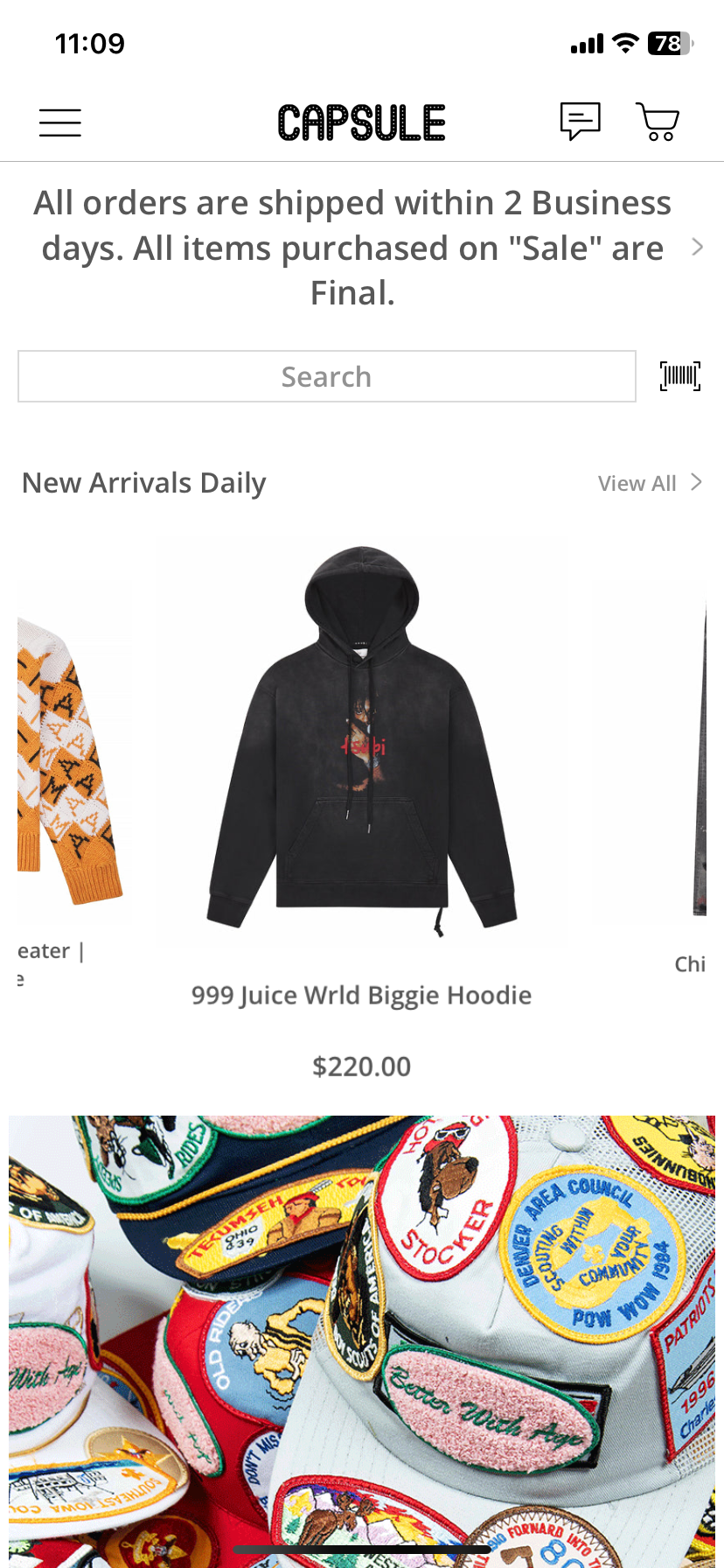
There is a problem with how the Capsule Clothing Store app responds to having camera access disabled. Like many e-commerce apps, the Capsule Clothing Store app has a feature to use bar code searches.
If the user selects this bar code option:
They are presented with a confirmation message about enabling camera access. If the user declines camera access, the user will always be presented with a screen that they can't exit out of if camera access is disabled. Nearly every app I have ever used presents a message stating that camera access has been disabled, and provides a link to the Settings app to enable camera access.
This Capsule Clothing Store app basically strands the user on each subsequent visit into the bar code area. I haven't ever seen this with any other app.
Steps to Reproduce:
1. Download and launch the Capsule Clothing Store app for iOS (version 1.6)
2. Select the bar code symbol next to the search box
3. Decline camera access
4. With camera access disabled, re-launch the app
5. Select the bar code symbol next to the search box
Result: Selecting the bar code search option with camera access disabled results in the user being stranded on an unresponsive screen - no way to exit out
Expected: Having camera access disable and then selecting the bar code search option should not result in a completely unresponsive Capsule Clothing Store app
This is easier to show than to describe, so please take a look at this:
Friday, February 2, 2024
ai LaMo app for iOS: App Crashes if Google Sign-in Is Dismissed
iOS: 17.3
ai LaMo app for iOS (version 1.1.21)
Date: 02/02/2024
Description:
There is an easy to reproduce crash with the current (version 1.1.21) version of the ai LaMo app for iOS. If the user cancels out of the Google login at account, the app crashes.
Here's an image of the crash dump:
Tuesday, January 30, 2024
Dynamite app for iOS: App Crashes After "Find a Store" is Selected
iOS 17.3
Dynamite app for iOS (version 3.26)
Date: 01/29/2024
Description:
The Dynamite app for iOS (version 3.26) continually crashes when the user selects the "Find a store" option. I am using the app outside of the US and Canada, but regardless, no app that is downloadable from the Apple App Store should crash if a user attempts to use it.
Here's an image of the crash dump:
Friday, January 12, 2024
Hypebae app for iOS: iOS Share sheet - Instagram Stories Icon is Missing
iOS 16.7.4
Hypebae app for iOS (version 3.46)
Date: 01/12/2024
Description:
Minor bug with the current (3.46) version of the Hypebae iOS app. After selecting "Share this app" and opening up the iOS share sheet, the Instagram Stories icon is missing. This problem is specific to the Hypebae app.
Please see the attached screenshots.
1. (on an iOS device that has Instagram downloaded) Download and launch the Hypebae app for iOS
2. Select the profile option
3. Select the "Share this app" option
4. Select the "..." option from the share sheet
5. Scroll down to "Instagram Stories"
Result: The icon for "Instagram Stories" is missing
Expected: The icon for "Instagram Stories" should not be missing


.jpg)